
Here are the steps to export Advance Receipt Data:Step 1: Export Data
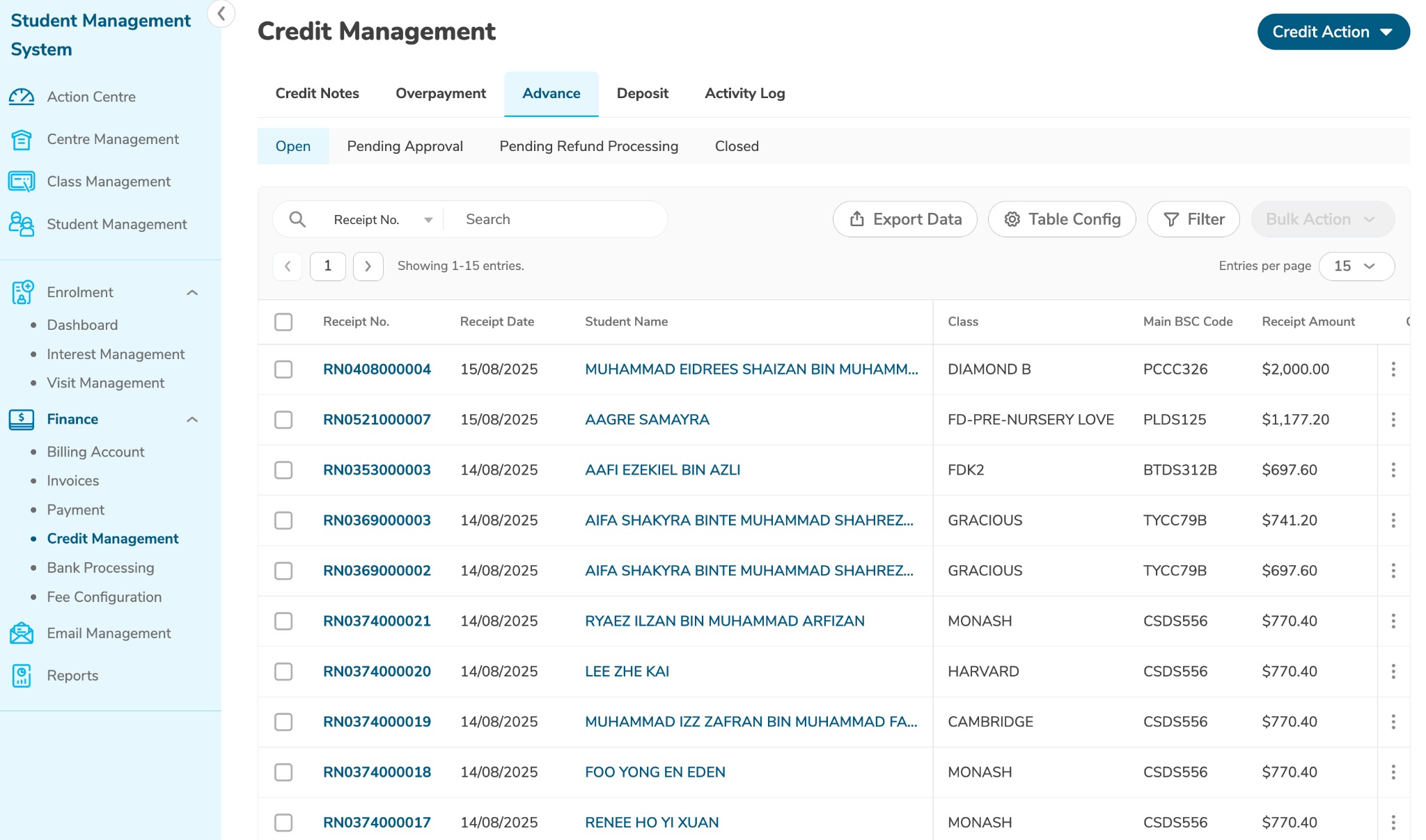
Go to Credit Management → Advance
From the advance receipt list, click Export Data
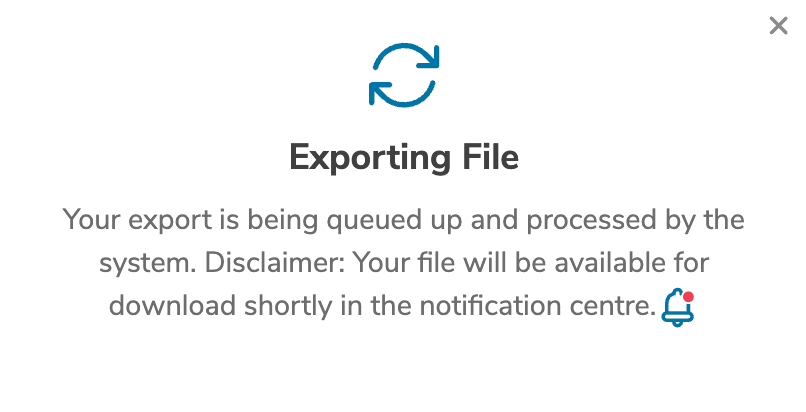
Wait for the export process to complete
Step 2: Download File
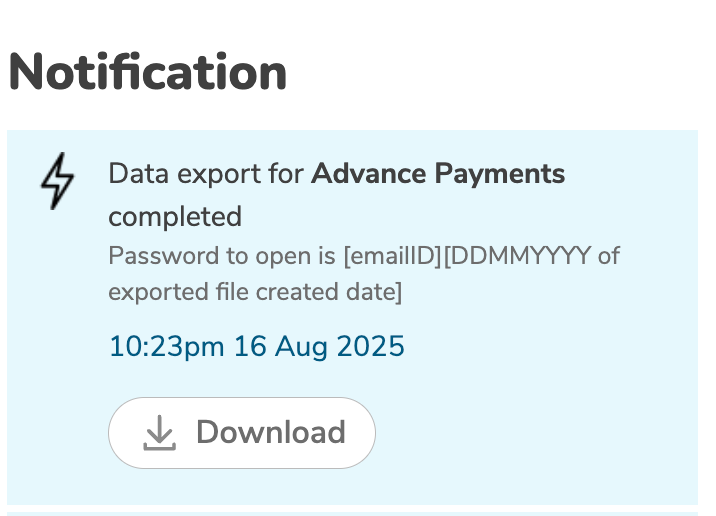
Once export is complete, click the bell icon in the top-right corner
Download the generated file

File Access:
Password format: emailidDDMMYYYY
Example: john.smith01082025 (for August 1, 2025)
Watch the video below:
Was this article helpful?
That’s Great!
Thank you for your feedback
Sorry! We couldn't be helpful
Thank you for your feedback
Feedback sent
We appreciate your effort and will try to fix the article